Patch Guides

How to Order Custom Patches Online: A Step-by-Step Guide

Ordering custom patches online should be simple. But between choosing a patch type, preparing your artwork, understanding backing options, and figuring out what questions to ask your supplier, it can feel surprisingly overwhelming for first-time buyers.

This step-by-step guide walks you through the entire process — from your initial idea all the way to holding your finished patches in your hands. Whether you’re ordering for a business, a team, a personal project, or a special event, you’ll know exactly what to expect and how to get the best possible result.

Step 1: Define What You Need Before You Start

Before you contact any patch maker, it helps to have a clear picture of what you’re trying to achieve. Run through these questions first:

  • What is the patch for? A uniform, merchandise, a gift, an event, personal use?
  • How many do you need? One prototype, a small batch, or a bulk order?
  • What size do you need? Small (1–2 inches), medium (3–4 inches), or large (5 inches and above)?
  • Where will it be worn or attached? A jacket, a bag, a hat, a shirt?
  • What is your budget? Per-patch cost varies by size, complexity, and type.
  • Do you have a deadline? Standard lead times are typically 10–14 days after design approval.

Having clear answers to these questions makes every subsequent step faster and ensures you get an accurate quote on the first try.

Step 2: Choose Your Patch Type

The patch type is one of the most important decisions you’ll make — it affects the look, feel, durability, and cost of your finished patch. Here’s a quick guide to the five main types available at Xpress Patches:

Embroidered Patches

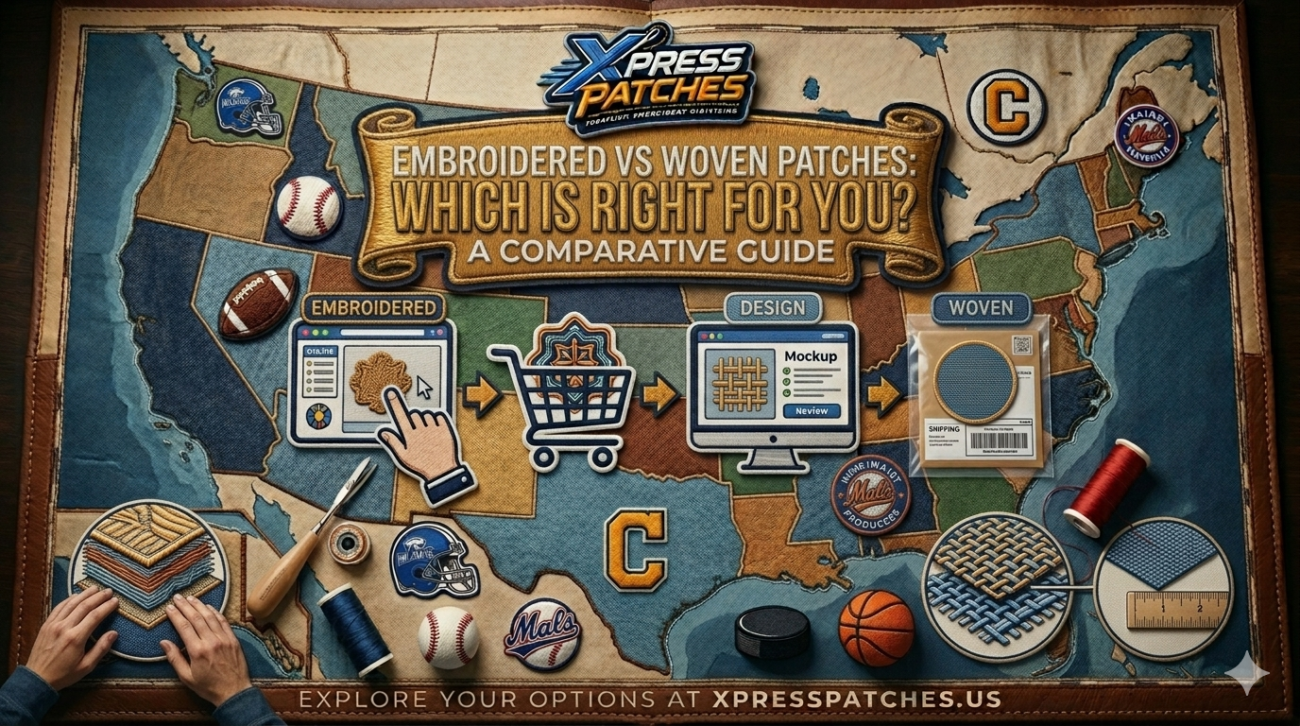
Embroidered patches are the most popular choice — stitched thread on a fabric backing creates a raised, textured, three-dimensional surface. Best for bold logos, team emblems, uniforms, jackets, and merchandise. Extremely durable and machine washable.

Woven Patches

Woven patches are made on a loom with thin thread, producing a flat, smooth surface with exceptional fine detail. Best for complex logos, small text, clothing labels, professional badges, and designs where precision matters more than texture.

PVC Patches

PVC patches are molded from flexible rubber-like material, creating a waterproof, three-dimensional patch with a modern aesthetic. Best for outdoor gear, tactical equipment, sportswear, and contemporary branding.

Chenille Patches

Chenille patches use looped yarn to create a soft, plush, velvet-like surface. Best for letterman jackets, varsity apparel, fashion brands, and premium loyalty or achievement rewards.

Printed Patches

Printed patches use dye-sublimation or digital printing to reproduce full-color photographic images, gradients, and unlimited color designs. Best for photography, complex multi-color artwork, and designs that exceed thread-based limitations.

Step 3: Prepare Your Artwork

Your artwork is the foundation of your patch. The better your file, the better your result. Here’s what you need to know:

Best File Formats

  • Vector files (AI, EPS, SVG, PDF): The gold standard. Vector artwork scales to any size without losing quality and gives patch makers the cleanest possible lines to work from. If you have a vector version of your logo, use it.
  • High-resolution raster (PNG, JPEG, TIFF): Acceptable if the resolution is 300 DPI or higher at the intended patch size. Lower-resolution files can result in blurry details or inaccurate color matching.
  • Rough sketches or ideas: Even if you don’t have a digital file, a clear hand-drawn sketch or a reference image can be enough. Describe what you want and a good patch maker will work with you to develop the design.

Design Tips That Translate Well to Patches

  • Keep it simple and bold. Fine details that look great on screen can get lost at 3 inches. Bold shapes, strong outlines, and clear color separation produce the best patch results.
  • Limit your color palette. For embroidered and woven patches, 4–8 solid colors is ideal. Each additional color adds complexity; more than 10 colors on a small patch tends to look muddy.
  • Ensure text is readable at size. If your design includes text, check that it’s legible at the actual patch dimensions. A font that reads clearly at 72pt on screen may become illegible at half an inch in real life.
  • Leave visual breathing room. Avoid elements that go right to the edge. A border (merrowed edge) will frame your design, so make sure your key design elements are contained within a clear central area.

Step 4: Choose Your Size

Patch size is measured at the longest dimension. Here’s a practical guide to common sizes and where they work best:

  • 1–1.5 inches: Very small — hat pins, lapel badges, small labels. Fine detail requires woven construction at this size.
  • 2–3 inches: The most common range. Works on bags, hats, shirt sleeves, and as chest patches on jackets. Good balance of detail and visibility.
  • 3–4 inches: Medium-large. Strong visual presence on jackets, backpacks, and as shoulder patches on uniforms.
  • 4–6 inches: Large patches for jacket backs, vests, and large garment areas. Embroidery’s raised texture has maximum impact at this size.
  • 6 inches and above: Statement pieces — full back patches, large event banners, or decorative items. These require careful design consideration to fill the space effectively.

If you’re unsure what size to choose, order a small test quantity in two sizes. There’s no minimum order at Xpress Patches, so testing is always an option before committing to a large run.

Step 5: Choose Your Backing Type

The backing determines how your patch is attached to the garment or item. Choose based on how your customers or end users will apply the patches:

Iron-On Backing

A heat-activated adhesive on the back of the patch bonds to fabric when pressed with a hot iron for 30–60 seconds. The most convenient option for customers applying patches at home. Works well on cotton, denim, and canvas. Note: iron-on may loosen over time on items that are washed frequently — for permanent applications, combine iron-on with a few stitches around the edges.

Sew-On Backing

No adhesive — the patch has a clean fabric or twill backing that can be hand- or machine-stitched onto any item. The most permanent and durable attachment method. Best for uniforms, workwear, and items that will be washed frequently or subjected to heavy use.

Velcro Backing

A hook-and-loop (Velcro) system with the hook side on the patch and the loop side on the garment, or vice versa. Best for items where patches need to be swapped, removed, or repositioned — tactical vests, uniform systems, rotating branded items, or displays.

Peel-and-Stick / Adhesive Backing

A pressure-sensitive adhesive that peels off a liner. Good for temporary applications — event badges, product packaging, promotional displays. Not recommended for fabric applications that will be washed.

Step 6: Submit Your Order and Get Your Free Mock-Up

Once you’ve worked through the decisions above, you’re ready to submit your order. At Xpress Patches, the process is straightforward:

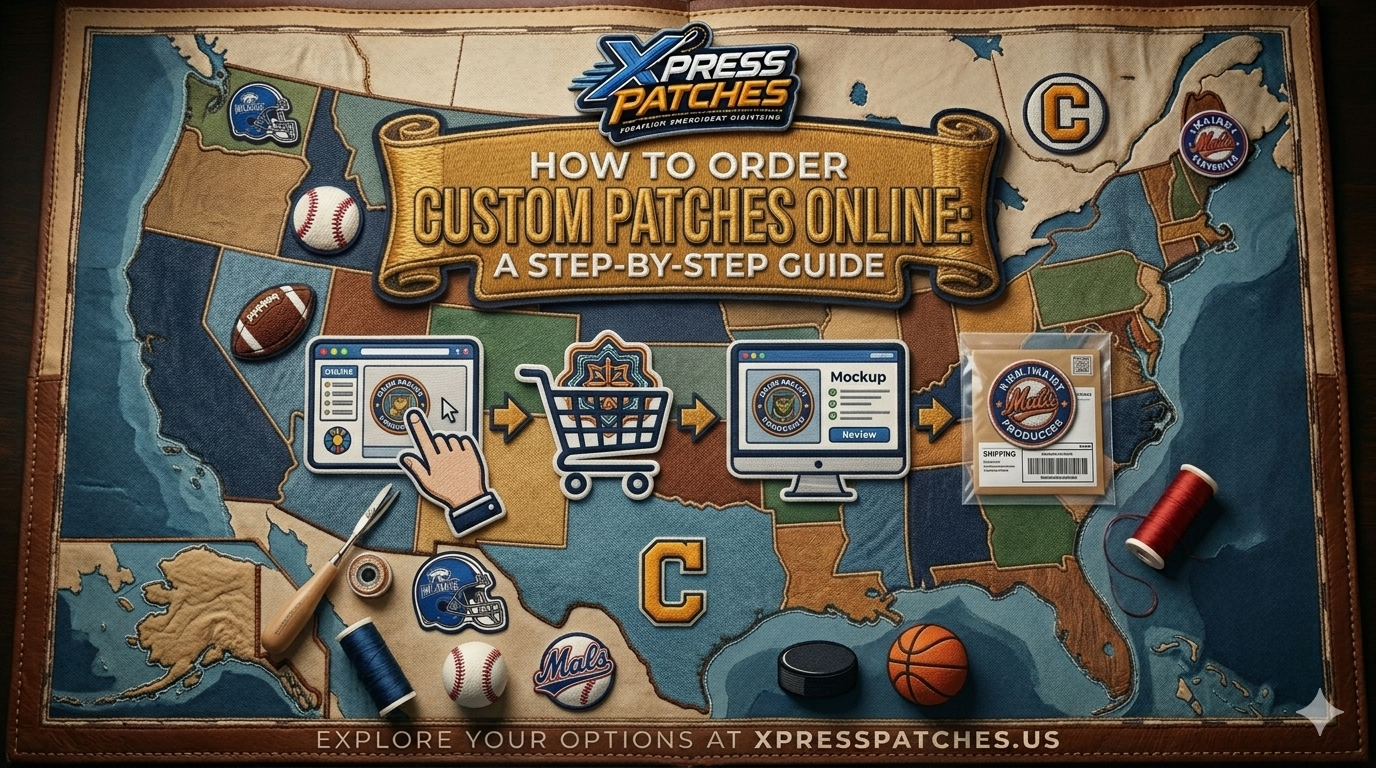
  1. Fill out the contact form at xpresspatches.us/contact-us with your design file (or description), patch type, size, quantity, and backing preference.
  2. Receive your free digital mock-up within 24 hours. You’ll see exactly how your patch will look — colors, thread layout, border, and overall design — before any production begins. No commitment at this stage.
  3. Review and request revisions if needed. If anything doesn’t look right — a color that’s off, a design element that needs adjustment — request a revision. Most mock-up revisions are turned around within a few hours.
  4. Approve your mock-up and confirm your order. Once you’re happy, give the go-ahead. At this point, your patches enter production.
  5. Receive your patches in 14 days or less. Standard orders ship within 14 days of design approval. Rush options are available if you need them sooner.

Step 7: What to Check When Your Patches Arrive

When your order arrives, take a few minutes to inspect your patches before distributing or using them:

  • Check colors: Hold patches next to your brand color reference. Minor variation between screen and thread is normal, but significant differences should be flagged.
  • Check edges: The merrowed border should be clean and even all the way around with no loose threads.
  • Check detail clarity: Text should be legible; fine design elements should be sharp and clean.
  • Check quantity: Count your order to confirm you received the correct number.
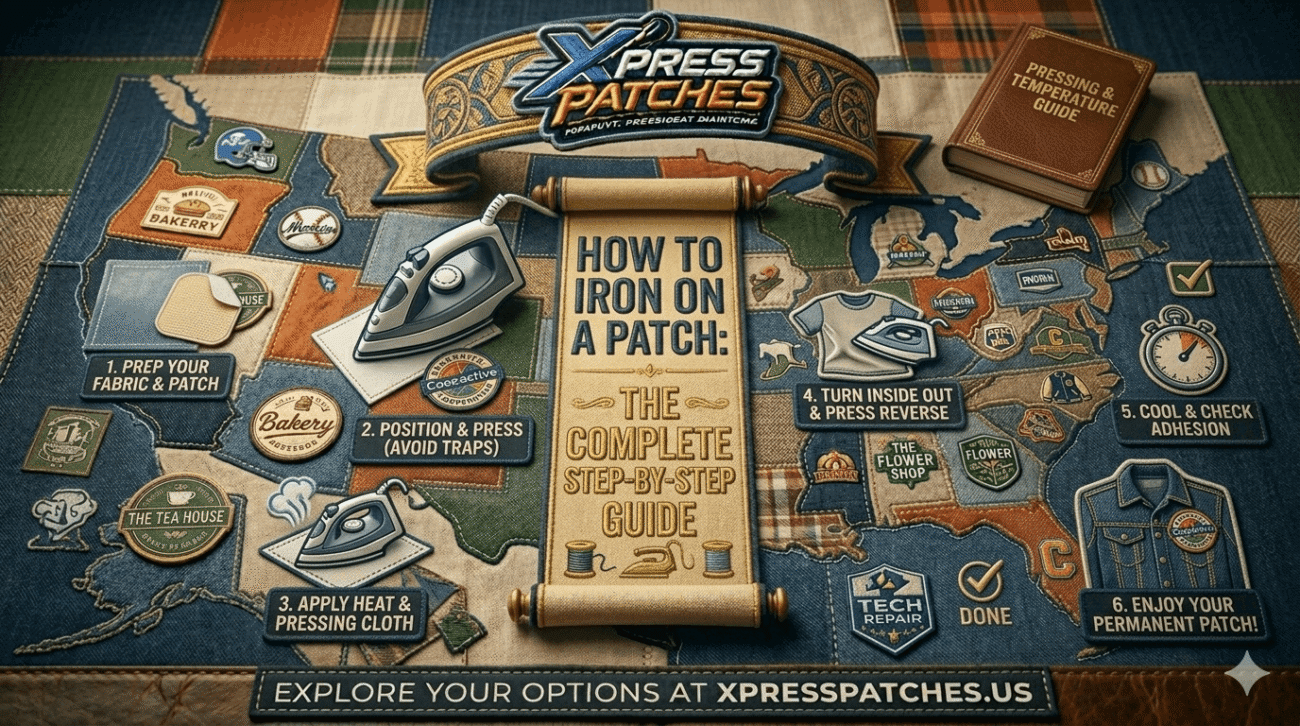
  • Test the backing: If iron-on, test on a spare piece of fabric to confirm the adhesive bonds correctly at the recommended temperature and time.

At Xpress Patches, every order is backed by a 100% money-back satisfaction guarantee. If anything isn’t right, contact the team immediately and we’ll resolve it — whether that means a replacement run or a full refund.

Common Mistakes First-Time Patch Buyers Make

Ordering Too Few (or Too Many) for the First Run

Because there’s no minimum at Xpress Patches, there’s no pressure to over-order. Start with a test quantity that lets you validate the design in real life before committing to hundreds. On the flip side, if you know you’ll need 200 patches, ordering them all at once is usually more cost-effective than reordering in small batches.

Not Checking the Mock-Up Carefully Enough

The digital mock-up is your last chance to catch problems before production. Zoom in on fine details. Check every color. Read all text carefully. A quick approval without proper review is the most common cause of disappointment with patch orders.

Choosing the Wrong Backing for the Application

Iron-on is the most requested backing — but it’s not always the right choice. For uniform patches that will be washed daily, sew-on is more reliable. For tactical or rotating applications, Velcro is essential. Think through how the patch will actually be used before selecting.

Sending Low-Resolution Artwork

A pixelated or low-resolution source file limits what the digitizer can work with. Always send the highest resolution version of your artwork. If you’re unsure whether your file is adequate, upload it anyway — the team will let you know if there are quality concerns before production.

Frequently Asked Questions

How long does it take to get custom patches made?

You’ll receive a free digital mock-up within 24 hours of submitting your design. After approval, production and shipping typically takes 14 days or less. Rush orders are available if you have a tighter deadline — mention it in your order form.

What is the minimum order quantity for custom patches?

There is no minimum. You can order a single patch. Most customers start with a small test run of 5–25 patches to validate their design before scaling to larger quantities.

How do I know what my patch will look like before I order?

Every order at Xpress Patches includes a free digital mock-up — a rendered preview showing your design in the chosen patch type, size, and colors. You approve the mock-up before any production begins. There is no cost for the mock-up and no obligation to proceed.

Can I order patches if I don’t have a finished design?

Yes. Submit a rough sketch, a description, a reference image, or even just a written concept. The design team can help develop your idea into a patch-ready design. You’ll see the result in your free mock-up before committing to an order.

What is a Pantone color match and do I need one?

Pantone colors are a standardized color matching system used across printing and manufacturing to ensure color consistency. If your brand has specific Pantone color codes (common in professional brand guidelines), provide them when submitting your order for the closest possible thread match. If you don’t have Pantone codes, provide a visual reference and the team will match as closely as thread availability allows.

What if I’m not happy with my patches when they arrive?

Every order is backed by a 100% money-back satisfaction guarantee. If there’s a quality issue or a significant difference from your approved mock-up, contact Xpress Patches immediately. We’ll arrange a replacement run or a full refund.

Ready to Order Your Custom Patches?

Now you know exactly how to order custom patches online — from choosing the right type to preparing your artwork, selecting your size and backing, and what to expect when your order arrives. The process takes less than 5 minutes to start, and you’ll have a free mock-up in your inbox within 24 hours.

No minimums. No hidden fees. 100% satisfaction guaranteed. USA-based craftsmanship with 14-day delivery.
Start your order and get a free mock-up today →

{ “@context”: “https://schema.org”, “@graph”: [ { “@type”: “Article”, “headline”: “How to Order Custom Patches Online: A Step-by-Step Guide”, “description”: “Everything you need to know to order custom patches online — patch types, file formats, sizing, backing options, and what to expect from mock-up to delivery.”, “author”: {“@type”: “Organization”, “name”: “Xpress Patches”, “url”: “https://xpresspatches.us”}, “publisher”: {“@id”: “https://xpresspatches.us/#business”}, “datePublished”: “2026-05-15”, “dateModified”: “2026-05-15”, “image”: “https://xpresspatches.us/wp-content/uploads/2026/04/embroidered.webp”, “articleSection”: “Patch Guides”, “keywords”: [“how to order custom patches”, “custom patches online”, “ordering patches”, “custom patch guide”, “patch backing types”] }, { “@type”: “BreadcrumbList”, “itemListElement”: [ {“@type”: “ListItem”, “position”: 1, “name”: “Home”, “item”: “https://xpresspatches.us”}, {“@type”: “ListItem”, “position”: 2, “name”: “Blog”, “item”: “https://xpresspatches.us/blog”}, {“@type”: “ListItem”, “position”: 3, “name”: “How to Order Custom Patches Online”, “item”: “https://xpresspatches.us/how-to-order-custom-patches-online/”} ] }, { “@type”: “HowTo”, “name”: “How to Order Custom Patches Online”, “description”: “A step-by-step guide to ordering custom patches online from artwork preparation to delivery.”, “step”: [ {“@type”: “HowToStep”, “name”: “Define what you need”, “text”: “Clarify patch purpose, quantity, size, placement, budget, and deadline before contacting a supplier.”}, {“@type”: “HowToStep”, “name”: “Choose your patch type”, “text”: “Select from embroidered, woven, PVC, chenille, or printed patches based on your design and application.”}, {“@type”: “HowToStep”, “name”: “Prepare your artwork”, “text”: “Submit vector files (AI, EPS, SVG) or high-resolution PNG/JPEG at 300 DPI or higher.”}, {“@type”: “HowToStep”, “name”: “Choose your size”, “text”: “Select patch dimensions from 1 inch (small badge) up to 6+ inches (large back patch) based on placement.”}, {“@type”: “HowToStep”, “name”: “Choose your backing”, “text”: “Select iron-on, sew-on, Velcro, or adhesive backing based on how and where the patch will be applied.”}, {“@type”: “HowToStep”, “name”: “Submit your order and receive a free mock-up”, “text”: “Fill out the order form and receive a free digital proof within 24 hours. Approve or request revisions before production begins.”}, {“@type”: “HowToStep”, “name”: “Inspect your patches on delivery”, “text”: “Check colors, edges, detail clarity, quantity, and backing performance when your order arrives.”} ] }, { “@type”: “FAQPage”, “mainEntity”: [ { “@type”: “Question”, “name”: “How long does it take to get custom patches made?”, “acceptedAnswer”: {“@type”: “Answer”, “text”: “You’ll receive a free digital mock-up within 24 hours of submitting your design. After approval, production and shipping takes 14 days or less. Rush orders are available.”} }, { “@type”: “Question”, “name”: “What is the minimum order quantity for custom patches?”, “acceptedAnswer”: {“@type”: “Answer”, “text”: “There is no minimum order at Xpress Patches. You can order a single patch. Most customers start with a small test run of 5–25 patches before scaling up.”} }, { “@type”: “Question”, “name”: “Can I order patches if I don’t have a finished design?”, “acceptedAnswer”: {“@type”: “Answer”, “text”: “Yes. Submit a rough sketch, description, or reference image and the design team will develop it into a patch-ready design. You’ll see the result in your free mock-up before committing.”} }, { “@type”: “Question”, “name”: “What file format should I use for my patch artwork?”, “acceptedAnswer”: {“@type”: “Answer”, “text”: “Vector files (AI, EPS, SVG, PDF) produce the best results. High-resolution PNG or JPEG at 300 DPI or higher are also acceptable. The team can work with most formats.”} }, { “@type”: “Question”, “name”: “What if I’m not happy with my patches when they arrive?”, “acceptedAnswer”: {“@type”: “Answer”, “text”: “Every order is covered by a 100% money-back satisfaction guarantee. Contact Xpress Patches immediately if there’s a quality issue and we’ll arrange a replacement or full refund.”} } ] } ] }

Leave a Reply

Your email address will not be published. Required fields are marked *